
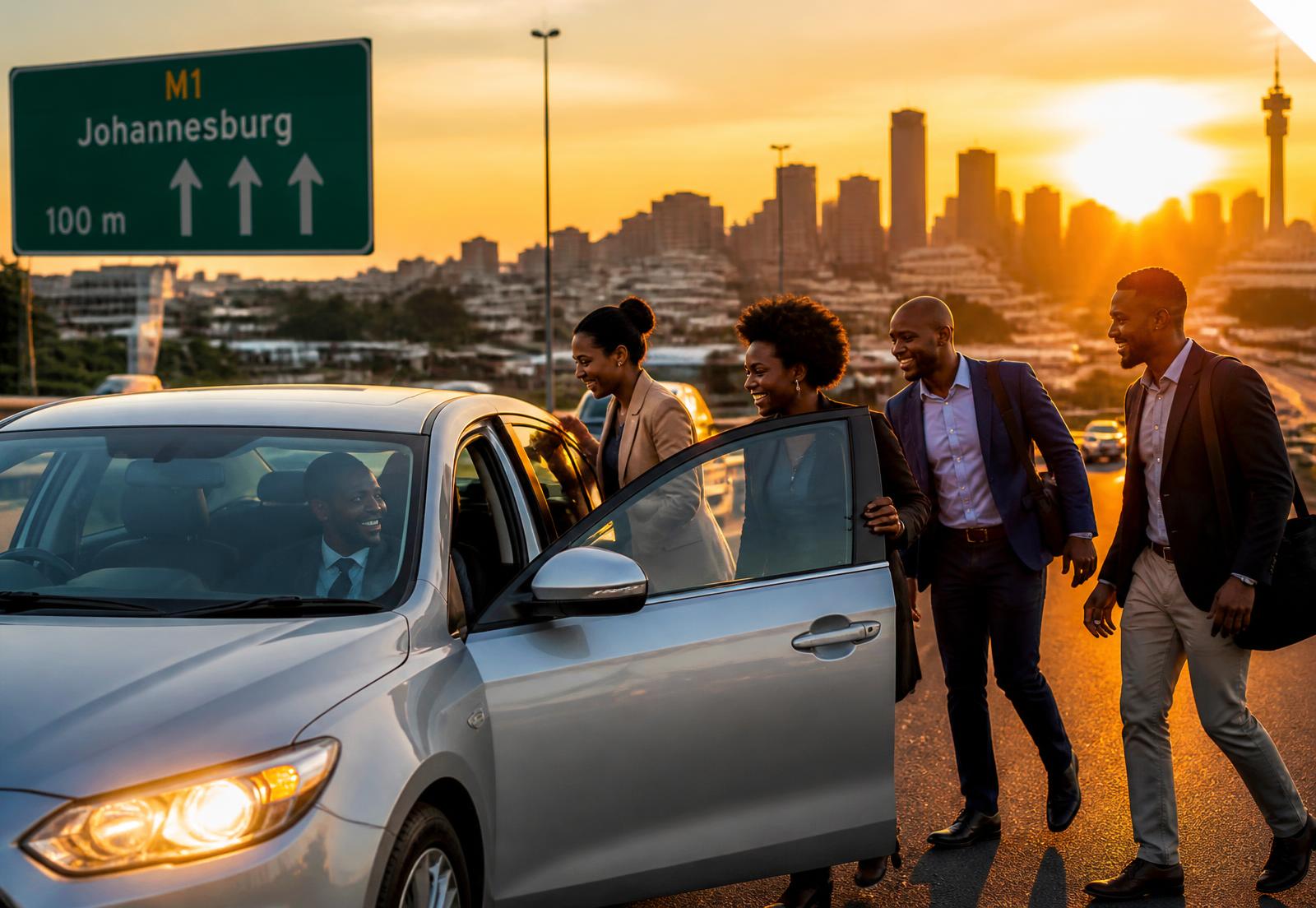
SHARE THE ROAD.
SPLIT THE COST.
Verified drivers AND verified riders. Fixed monthly fares in Rand. Contact details that stay private until a seat is paid for. This is a lift club you can actually trust.
- R1 480
- Average monthly saving per rider
- 100%
- Drivers AND riders verified with real documents
- POPIA
- Personal data protected by design
How a lift club runs
01
Register
Riders and drivers create a profile with ID, cellphone and home suburb. Two minutes, no paperwork.
02
Get verified
Our team checks IDs or passports for riders and drivers, plus driving licences and vehicle details for drivers. Live selfies help confirm who is travelling.
03
Claim a seat
Search your corridor, see the driver's name, rating and monthly price, then reserve. Phone numbers stay hidden until payment clears.
04
Pay & ride
Pay by card via Paystack or instant EFT via Ozow. If a trip doesn't run, your refund goes back through the same gateway — no chasing anyone on WhatsApp.
Safety is the product
Every driver is verified before a single seat is sold, and every rider is verified with an ID or passport copy and a face selfie before they can reserve a seat. Most platforms check drivers only — we check both sides, and our team reviews each document by hand.
- Driving licence checked against the original document
- Driver ID or passport reviewed
- Vehicle details and registration number reviewed
- Fair refunds: cancel before travelling and the driver's share is refunded through Paystack or Ozow
- Riders upload an ID/passport copy and a face selfie for review
- Ratings and trip history visible on every driver profile
- POPIA controls: you choose what riders can see and can delete your data
Drive your route, earn from it
Already driving to work with empty seats? Publish your route, set your fare and let RouteMate SA handle bookings, collections and payouts — weekly every Friday or monthly at 6pm on the last day of the month (the Friday before if that's a weekend), your choice. We keep 12%.
Register as a driverGET THE APP
Put RouteMate SA on your phone
Save the site to your home screen and it opens like any other app — no app store, no big download. Here is how, depending on the phone you are holding.
Android or laptop: use Chrome
This looks like your device
- 1Open routematesa.co.za in Google Chrome.
- 2Tap the three-dot menu at the top right. On a laptop, click the small Install icon at the right of the address bar instead.
- 3Choose Add to Home screen — some phones call it Install app — then tap Add.
iPhone: use the Share button
- 1Open routematesa.co.za in Safari (Chrome works too, but Safari is the sure thing).
- 2Tap the Share icon — the square with an arrow pointing up, at the bottom of the screen.
- 3Scroll down the list and tap Add to Home Screen, then Add.
Once installed, screens you have already opened come back even with no signal. Anything live — payments, new offers, fresh bookings — still needs internet.